
🔥Hot Games
View All






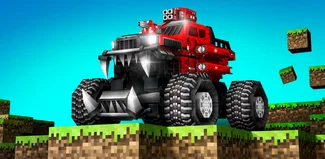
Blocky Cars Online Games
Jump into action-packed tank battles in this online multiplayer shooter! Design your own combat vehicle, join players worldwide in explosive PvP matches, and conquer diverse battle modes with customizable firepower.
What is Blocky Cars Online? An Action Multiplayer Shooter
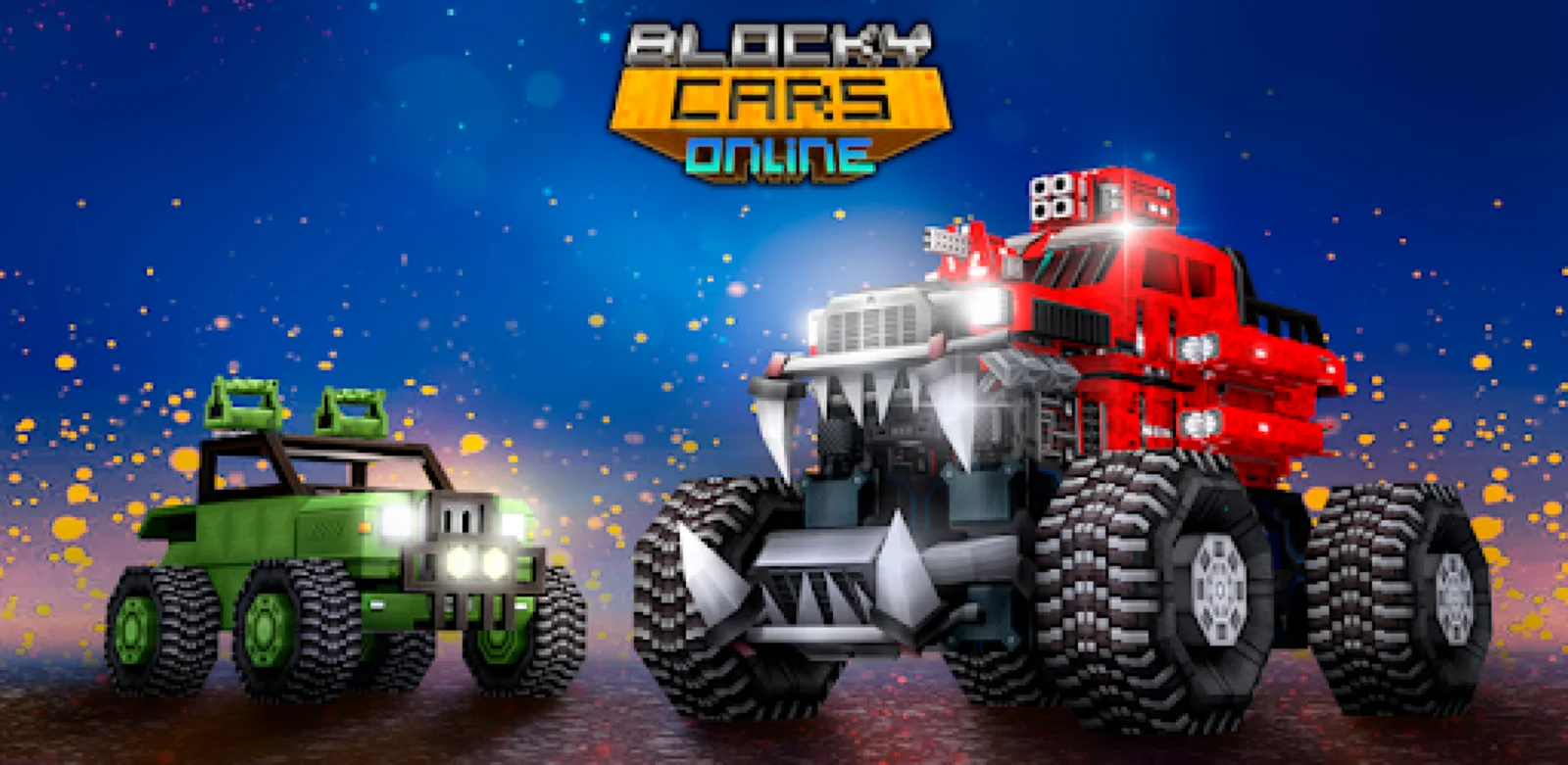
Blocky Cars Online is a multiplayer tank shooter that blends vehicular combat with creative customization options. Players design combat vehicles using a block-based building system, then deploy them in online PvP battles against opponents worldwide. The pixel art aesthetic gives the game an accessible look while the shooting mechanics provide genuine competitive depth. Combat takes place across varied maps featuring different terrain and layouts that influence tactics. Matches move quickly with respawning keeping action continuous. The core loop involves building a tank, testing it in battle, then returning to the workshop to refine your design based on what worked or failed. This iteration process keeps gameplay engaging as you discover which configurations suit your personal combat style. Developed by Full HP Ltd, the game has attracted over 10 million downloads across mobile and browser platforms. The active online community means matches start quickly with minimal waiting. While building mechanics add creative elements, the fundamental experience is shooting-focused—aiming, dodging enemy fire, and eliminating opponents drives success. Players seeking pure multiplayer combat with some customization freedom will find solid action here.
How to Start Fighting in Blocky Cars
Learn the basics to jump into online battles quickly.
Step 1 - Build Your First Combat Vehicle: Launch the game and access the garage building area. Select a chassis as your foundation. Add wheels so your tank can move across terrain. Mount a weapon on top—start with the default gun which offers balanced stats. Place a few armor blocks around your weapon to protect it from enemy shots. This basic design is battle-ready.
Step 2 - Learn Movement and Shooting Controls: Before jumping into PvP, familiarize yourself with controls. WASD keys or directional pad handle movement in four directions. Your mouse or touch screen controls aiming—the crosshair shows where your shots will go. Left click or tap to fire your weapon. Practice driving around and shooting at stationary objects to get comfortable.
Step 3 - Join Your First Match: Select a game mode from the menu—Team Deathmatch is good for beginners since teammates can help. Matchmaking will connect you to a live server with other players. Once loaded into the map, you'll spawn with your custom tank. Look for enemies (marked differently from teammates) and engage in combat. Don't worry about dying—you respawn quickly to rejoin the fight.
Step 4 - Understand Combat Basics: Effective shooting requires leading your target since bullets travel at realistic speed. Aim slightly ahead of moving enemies to hit them. Use terrain and obstacles as cover to block incoming fire while you reload. Watch your health indicator—retreat to safe areas when low to avoid elimination. Observe what weapons other players use successfully.
Step 5 - Refine Your Tank Design: After several matches, you'll understand which aspects of your build work well or poorly. If enemies destroy you quickly, add more armor protection. If you can't catch faster opponents, reduce weight for better speed. Reposition weapons if you struggle hitting targets at certain angles. Building improvements come from battlefield experience.
Step 6 - Try Different Game Modes: Once comfortable with basic combat, explore other match types. Free-for-All tests your solo fighting ability against everyone. Capture modes require different strategies focusing on zone control rather than pure elimination. Each mode develops different combat skills, so rotate between them to improve overall.
Step 7 - Experiment with Weapon Variety: As you level up, new weapons unlock with different characteristics. Rapid-fire guns excel at close range. Single-shot weapons reward accuracy with higher damage. Explosive launchers control chokepoints effectively. Try multiple weapon types to find which matches your aiming style and tactical preferences.
Step 8 - Progress Through Unlocks: Continue playing matches to earn experience. Each level provides new building blocks and equipment options. Focus on unlocking items that complement your preferred playstyle. Experiment with new parts when available but don't feel pressured to constantly change successful designs.
Key Battle Features
Online Multiplayer Tank Combat
Battle against real players from around the globe in fast-paced PvP matches. The game connects you to live servers where every opponent is a human player testing their skills and custom builds. Various match sizes accommodate different playstyles, from intense 1v1 duels to chaotic large-scale warfare with dozens of participants. Real-time matchmaking ensures you always find active battles regardless of when you play.
Build Your Custom War Machine
Access the vehicle workshop to construct tanks from modular blocks. Choose your chassis foundation then stack armor pieces to protect vital components. Mount weapons at strategic positions for optimal firing coverage during combat. Paint individual blocks to create unique color schemes that stand out on the battlefield. The building system offers freedom to create everything from compact speedsters to heavily armored juggernauts, each with distinct combat advantages.
Diverse Combat Modes
Switch between multiple game types to keep battles fresh. Team Deathmatch pits squads against each other in elimination-focused warfare where cooperation matters. Free-for-All throws everyone into individual competition for solo glory. Objective-based modes challenge teams to capture and defend strategic zones across varied maps. Each mode tests different skills—some reward aggressive pushing while others favor defensive positioning and area control.
Progression and Weapon Unlocks
Fighting in matches earns experience toward leveling up your account. Higher levels unlock access to new weapon types with different damage profiles and firing mechanics. Unlock armor blocks offering better protection against specific attack types. Cosmetic items become available as rewards for reaching milestones, letting you showcase your dedication. The steady unlock pace ensures you always have new equipment to experiment with as you improve.
Blocky Cars Online: Common Questions
Is Blocky Cars Online free to play?
Yes, the game is free to download and play on both mobile devices and web browsers. All core features including tank building, weapon systems, and multiplayer modes are accessible without payment. Optional in-app purchases exist for cosmetic items or progression boosters, but they don't provide combat advantages. Free players compete on equal footing with paying users since skill and tank design matter more than purchases.
Do I need an internet connection to play?
Yes, Blocky Cars is an online multiplayer game requiring stable internet connectivity. All matches involve real players from around the world, so you're always connected to game servers during battles. There's no offline single-player mode. The online requirement ensures you face human opponents rather than predictable AI, making each match different and more challenging.
How does the tank building system work?
The garage provides a workspace where you construct vehicles from blocks. Select a chassis type, then attach wheels for mobility. Add weapon mounts at desired positions and equip guns to them. Stack armor blocks around critical components to increase durability. You can save multiple tank designs for different situations. Building is intuitive—snap blocks together like digital construction toys then test your creation in battle.
What types of battles can I join?
Several match types offer variety. Team Deathmatch divides players into two sides competing for eliminations. Free-for-All mode makes everyone compete individually. Objective modes involve capturing and holding zones on the map. Some modes focus purely on combat while others reward strategic positioning. You can select preferred modes or let matchmaking choose for you based on server availability.
How do I unlock new weapons and parts?
Playing matches earns experience points toward your account level. Each level gained unlocks new items—weapons, armor types, chassis options, or cosmetic elements. Progression happens naturally through regular play without grinding requirements. Higher levels unlock more powerful equipment, but starter gear remains viable since skill matters significantly. Expect steady unlocks over your first dozen levels.
What helps me win more battles?
Success comes from combining good tank design with smart combat tactics. Build balanced vehicles that can both absorb damage and deal it effectively. During fights, use cover to avoid taking unnecessary hits. Aim carefully rather than spraying bullets wildly. In team modes, stick with allies for numerical advantages. Learn map layouts to predict enemy movements. Practice consistently to improve your aiming and positioning instincts.
Can I play on both mobile and computer?
Yes, Blocky Cars runs on Android/iOS mobile devices and web browsers on computers. The game adapts controls for each platform—touchscreen on mobile, mouse and keyboard on PC. If you create an account, your progress syncs across devices, letting you switch between phone and computer freely. Both platforms connect to the same servers, so mobile and PC players compete together in matches.
Can I play with friends together?
Yes, the game supports playing with friends. Add them through in-game friend codes or usernames. Once connected, invite friends to join your squad before entering matchmaking. The system will place you on the same team in team-based modes. Coordinating with people you know makes battles more enjoyable and improves win rates through better communication and cooperation.
What if I experience lag during matches?
Connection quality significantly impacts shooting accuracy and responsiveness in real-time PvP. Use stable WiFi or wired internet when possible rather than cellular data. Close other applications using bandwidth while playing. Select servers closest to your geographic location in settings if available. Lower graphics quality in options to reduce local processing lag on weaker devices. If problems persist, check your internet provider's connection stability.
Any tips for new players just starting?
Start with simple tank designs you can understand and control well. Focus on learning one weapon type thoroughly before switching constantly. In team modes, follow experienced teammates to learn good positioning. Don't rush into open areas where multiple enemies can shoot you. Watch how opponents build their tanks for design inspiration. Most importantly, accept that early matches involve learning through mistakes—getting eliminated teaches what to improve for next time.