
🔥Hot Games
View All














Melon Sandbox
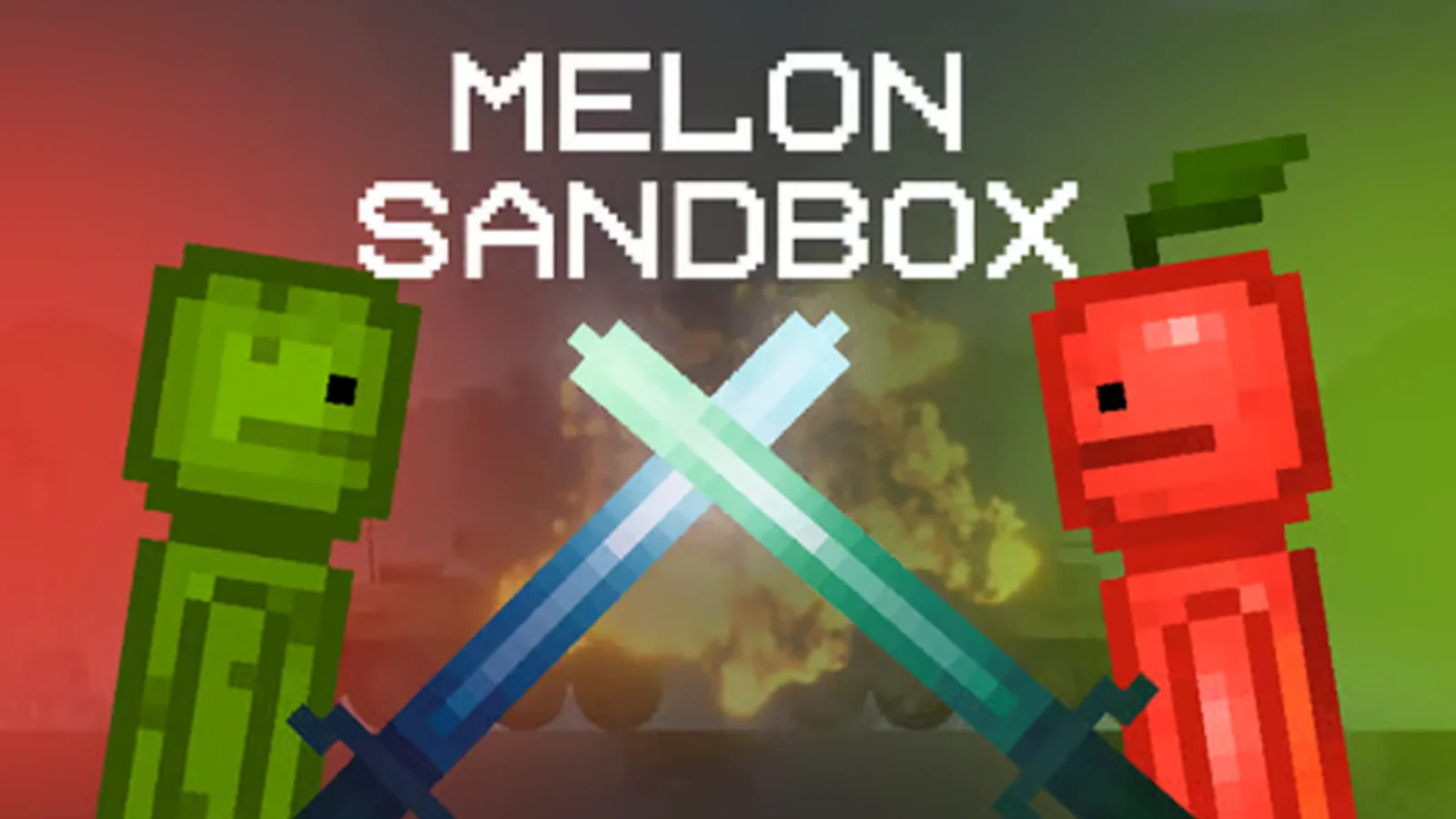
Melon Sandbox is the definitive 2D ragdoll simulator where you design labs, drop ridiculous gadgets, and unleash creativity without limits.
What is Melon Sandbox?
Melon Sandbox (also known as Melon Playground) is a physics toybox from Playducky that hands you the tools to build any scene you can imagine. The interface resembles a construction set: pick a backdrop, tap to drop props, and start sculpting contraptions. Each object has mass, friction, and break points, so when you press play the simulation reacts exactly to how you arranged everything. Because there is no predefined objective, players create their own fun. Build obstacle courses, simulate vehicles colliding, wire explosive domino lines, or test armor builds against waves of enemies. The pause and zoom tools help you tweak positions down to the pixel, while the context menu lets you heal ragdolls, change skins, or swap weapon behaviors. It all runs in the browser with crisp performance, making it easy to experiment from a laptop, Chromebook, or tablet. Whether you enjoy engineering puzzles or comedic destruction, Melon Sandbox is the go-to playground for ragdoll fans.
How to Create Chaos
Step 1: Pick a map from the pause menu and clear any props so you have the exact space you want for the build.
Step 2: Use the spawn wheel to drop characters, ramps, boxes, or weapons, then drag corners to resize or rotate them.
Step 3: Toggle pause, attach ropes or fixed joints between objects, and wire triggers if you want synchronized explosions.
Step 4: Resume physics to watch the action unfold, switching to slow motion whenever you need to capture spectacular crashes.
Step 5: Save your setup to a preset slot or reset everything to start a new experiment.
Sandbox Systems Built for Endless Experiments
Open Workshop Maps
Choose from cargo bays, junkyards, skyscraper rooftops, or empty grids to stage your experiments before you spawn a single ragdoll.
Deep Prop Library
Drag humans, animals, vehicles, melee weapons, firearms, explosives, liquids, and even mechanical connectors directly into the scene.
Advanced Tools
Freeze time, attach ropes, weld metal bars, wire sensors, or paint zones with acid pools so you can choreograph chain reactions.
Customizable Rules
Toggle gore, adjust gravity, and save custom loadouts to run clean engineering tests or full-blown destruction sprees.
Melon Sandbox FAQ
Is Melon Sandbox the same as Melon Playground?
Yes. Melon Sandbox is the browser-friendly branding for Melon Playground, sharing the same tools and updates.
How do I rotate or scale items?
Select an object, then drag the circular handles that appear to rotate. Drag corner squares to stretch or shrink the mesh.
Can I edit while physics is running?
You can pause time at any point to reposition props, add new items, or heal damaged ragdolls before resuming.
Does the game save my creations?
Yes. Use the preset slots to store full scenes, which you can reload later with a single tap.
Is there a gore toggle?
Head into the settings icon to enable or disable blood effects depending on how family-friendly you want experiments to be.