
🔥Hot Games
View All






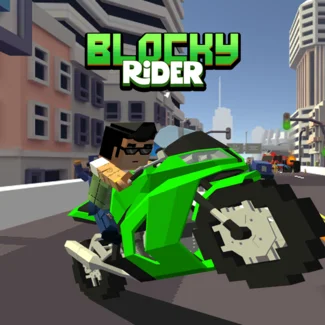
Blocky Rider
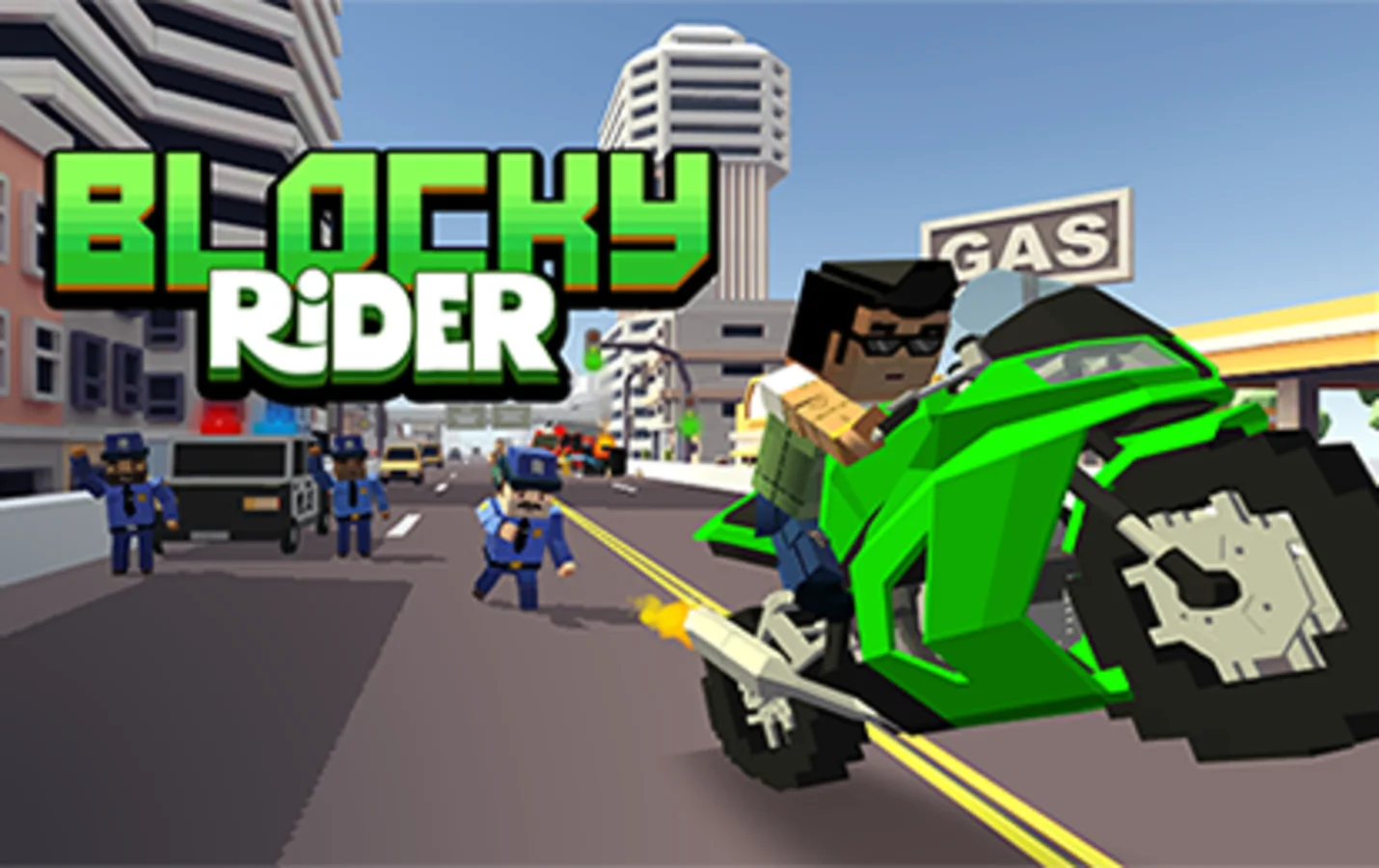
Hit the streets in this explosive motorcycle adventure set in a vibrant voxel world! Navigate through shifting traffic, perform daring stunts, and experience three distinct game modes. Whether you want to test your survival skills, cause chaotic destruction, or freely explore the city, this blocky bike game delivers nonstop action.
What is Blocky Rider? A Voxel Racing Adventure
Blocky Rider is a fast-paced motorcycle driving game that combines the charm of voxel graphics with intense racing action. Originally developed by isTom Games as Blocky Moto Racing, this browser version brings the full experience directly to your screen without requiring downloads. Set in a colorful blocky world filled with traffic, the game emphasizes skillful navigation and split-second decision-making. You control a motorcycle speeding through busy highways and city streets where every car presents both an obstacle and an opportunity. The gameplay focuses on reading traffic patterns, maintaining speed while dodging vehicles, and adapting to unpredictable road conditions. Beyond pure racing, the game offers variety through its three distinct modes, each designed to test different aspects of your riding abilities. Whether you thrive under the pressure of endless survival challenges, enjoy the spectacle of explosive crashes, or prefer the freedom of open exploration, there is a mode tailored to your preferences. The voxel art style gives everything a distinctive blocky appearance while maintaining smooth physics and responsive controls that make the riding feel authentic despite the stylized visuals.
How to Play: Riding Controls and Strategies
Master these essential controls and techniques to dominate the blocky streets.
PC Controls: Use WASD or Arrow Keys to steer your motorcycle left and right. Press W or Up Arrow to accelerate, S or Down Arrow to brake. Press C to cycle through different camera views and find your preferred perspective.
Mobile Controls: Tap the left or right side of the screen to steer. Use the on-screen buttons for acceleration and braking. The game automatically adapts to your screen size for comfortable touch controls.
Race Mode Strategy: Focus on survival by maintaining a steady speed and anticipating traffic movements. Perform close calls by passing cars with minimal clearance to boost your score multiplier. The longer you survive, the higher your score climbs, but traffic density increases continuously.
Demolition Mode Tactics: Aim for side impacts rather than head-on collisions. T-boning cars creates spectacular explosions and maximizes points. Look for grouped vehicles to trigger chain reactions. You have exactly two minutes to cause as much destruction as possible.
City Mode Exploration: Use this mode to practice your riding skills without pressure. Discover hidden ramps near the airport for stunt opportunities. Experiment with different bikes to feel how each handles before taking them into competitive modes.
Key Features: Master the Blocky Streets
Three Exciting Game Modes
Choose your preferred style of play. Race Mode challenges you to survive as long as possible while weaving through increasingly dense traffic. Demolition Mode turns destruction into a goal, rewarding you for smashing into cars within a two-minute time limit. City Mode offers a relaxed free-roam experience where you can explore wide streets, airports, and ramps at your own pace without any pressure.
Realistic Motorcycle Physics
Feel the weight and momentum of each bike as you navigate the streets. Different motorcycles handle distinctly, from agile superbikes to stable choppers. Master the physics system to execute sharp turns, maintain speed through traffic, and pull off impressive stunts. Every movement requires careful timing and spatial awareness.
Dynamic Traffic System
Face an ever-changing highway where vehicles swerve unpredictably, change lanes suddenly, and create constant challenges. NPC traffic behaves realistically, forcing you to anticipate movements, maintain safe distances, and react instantly to avoid collisions. The traffic density increases over time in Race Mode, escalating the difficulty.
Multiple Bike Options
Unlock and ride various motorcycles, each with unique characteristics. Choose the standard bike for balanced handling, the superbike for maximum speed, or the police bike for a different experience. Each vehicle affects your gameplay strategy, offering fresh ways to tackle the modes.
Blocky Rider: Frequently Asked Questions
Is Blocky Rider free to play?
Yes, Blocky Rider is completely free to play in your web browser. No download, installation, or payment is required. Simply load the game and start riding immediately.
What are the different game modes?
There are three modes to choose from. Race Mode is an endless survival challenge where you dodge traffic for as long as possible. Demolition Mode gives you two minutes to smash as many cars as you can. City Mode is a free-roam sandbox with no time limits or objectives, perfect for exploration and practice.
How do I unlock new motorcycles?
Earn coins by playing Race Mode and completing runs. The longer you survive, the more coins you collect. Once you have enough currency, visit the Garage menu to unlock additional bikes like the Superbike, Police Bike, and other vehicles.
Which motorcycle is best for beginners?
Start with the Standard Bike, also called the Cross Bike. It offers balanced statistics with moderate speed and predictable handling. Once you are comfortable with the controls and traffic patterns, you can try the Superbike for higher speeds or the Chopper for more stability.
How can I achieve a high score in Race Mode?
Survival time is the key to high scores. The longer you stay alive, the higher your score multiplier climbs. Combine longevity with risky close calls by overtaking cars with minimal clearance. Maintain high speed when possible, but prioritize avoiding crashes since ending your run stops score accumulation.
Can I play this game on mobile devices?
Absolutely. The web version works perfectly on mobile browsers. On touchscreens, tap the left or right side of the screen to steer, and use on-screen controls for acceleration and braking. The game automatically adapts its interface to fit your screen size.
Who developed Blocky Rider?
Blocky Rider was originally released as Blocky Moto Racing by isTom Games, a Hungarian studio known for creating polished voxel-style games. They also developed titles like Nyan Cat: Lost in Space and Highway Traffic. The browser version you are playing is a port of their mobile game.
What are the best strategies for Demolition Mode?
Focus on perpendicular impacts rather than frontal collisions. Hitting cars from the side creates bigger explosions and awards more points. Target groups of vehicles to cause chain reactions. Remember you only have two minutes, so be aggressive and prioritize quantity of impacts over cautious riding.
What is the difference between Race Mode and City Mode?
Race Mode is an endless challenge that gets progressively harder as traffic density increases. Your goal is survival and high scores. City Mode is a free-roam sandbox with no time limits, no increasing difficulty, and no scoring pressure. It is ideal for practicing tricks, exploring the environment, or simply relaxing.
Can I use a gamepad or controller?
The web version is designed primarily for keyboard and touch controls. Some browsers may support gamepad input, but it is not officially implemented. For the best experience, use keyboard controls on desktop or touch controls on mobile devices.
Is Blocky Rider appropriate for children?
The game features cartoon-style voxel graphics, so there is no realistic violence. However, Demolition Mode does involve crashing into cars, which explode into blocky pieces. If you prefer less destruction-focused content, Race Mode and City Mode emphasize skill and exploration rather than crashes.
Does the game save my progress and unlocked bikes?
Progress saving depends on your browser's local storage capabilities. Many browser games automatically save your state, including unlocked bikes and coins. To ensure your progress is preserved, play in the same browser and avoid clearing your browser data.